Get Mentu Now
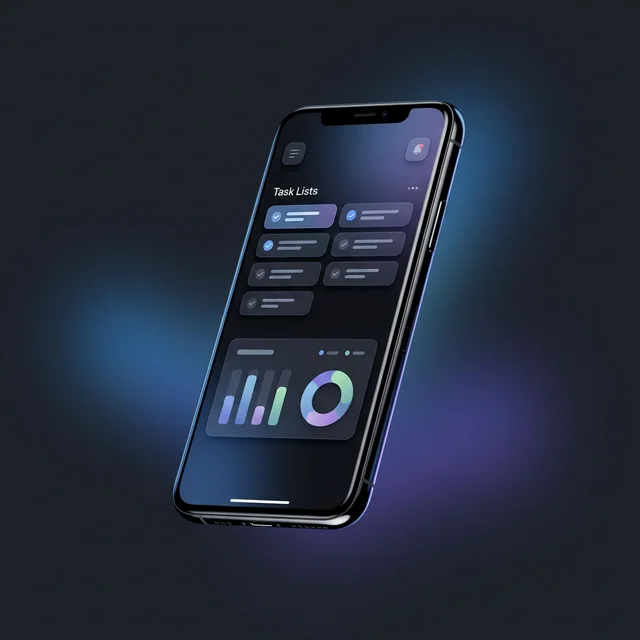
Experience the future of productivity on all your devices. Manage tasks, take notes, and secure your data with ease.
We're sorry to see you go. Here are the steps to permanently delete your account and all associated data (notes, tasks, and settings).
If you no longer have access to the app, please email us at support@mentu.com.do with your registered email address to proceed with manual deletion.
⚠️ This action is irreversible. All your data will be permanently deleted from our servers.Experience the future of productivity on all your devices. Manage tasks, take notes, and secure your data with ease.