What to Store in a Password Manager Besides Passwords
A password manager is highly effective for keeping your online logins secure, but its usefulness goes far beyond just websites and apps. Think of it as a secure digital drawer for all the small, sensitive details you need to run your household, travel, or manage your family's daily routine. If you are wondering what to store in a password manager besides passwords, here is a practical guide to the everyday information you should keep locked away but easily accessible.
Household Codes and Wi-Fi Credentials
Keeping your home running smoothly requires a surprising number of codes and PINs. Instead of writing them on sticky notes or whiteboards where anyone can see them, store them in your digital vault.
- Wi-Fi network details: Save your network name and the password for both your main and guest networks. When friends come over, you will not have to flip your router upside down to read the tiny print.
- Door codes and alarm PINs: If you have a smart lock, garage door keypad, or home security system, keep the master codes in your vault. You can also store the temporary codes you create for house sitters, dog walkers, or contractors.
- Safe combinations: If you have a physical safe for physical documents, storing the combination in your digital vault ensures you can always open it in an emergency.
Financial and Payment Details
You likely already use your vault for online banking passwords, but you should also store the underlying account details. Having this information handy makes paying bills, setting up direct deposits, or handling financial emergencies much easier.
- Routing and account numbers: Keep the exact numbers for your checking and savings accounts. This is incredibly helpful when you need to fill out a form for a new client or set up an automatic payment.
- Credit and debit card details: Store the card number, expiration date, and security code. If you lose your wallet, you will still know exactly which cards you need to cancel and have the numbers ready for the bank.
- Card PINs: It is easy to forget the PIN for a debit card you rarely use. Storing it securely prevents you from getting locked out at the ATM.
Identification and Travel Documents
When you are booking a flight, filling out paperwork for school, or handling an emergency away from home, having your family's identification details on your phone saves you from digging through filing cabinets.
- Passport details: Store the passport number, issue date, and expiration date for every family member. This makes booking international travel much faster and helps you know when it is time to renew.
- Driver's license numbers: Keep a record of your license number and expiration date.
- Traveler numbers: Save your trusted traveler numbers so you never forget to add them to a flight reservation.
- National ID numbers: While you should memorize your own, keeping your children's ID numbers secure but accessible is helpful for school and medical forms.
Memberships and Subscriptions
Your wallet is probably overflowing with plastic cards, and your email is full of subscription details. Moving these to your digital vault lightens your physical load and keeps your digital life organized.
- Library and gym cards: Store the barcode numbers for your local library or gym.
- Frequent flyer and loyalty programs: Keep track of your airline, hotel, and rental car loyalty numbers so you never miss out on points when booking a trip.
- Streaming service details: Keep your login details for video and music streaming platforms. This makes it easy to organize who has access to what, especially if you share an account with a partner or roommate.
Medical and Insurance Information
Medical emergencies are stressful enough without having to search for policy numbers. Having all your insurance information organized in one place provides peace of mind.
- Health insurance details: Store your group number, member ID, and the customer service phone number from the back of the card.
- Vehicle insurance: Keep your auto insurance policy number and the roadside assistance phone number handy.
- Home or renters insurance: Save your policy number and the claims department contact information.
Organizing and Sharing Your Vault
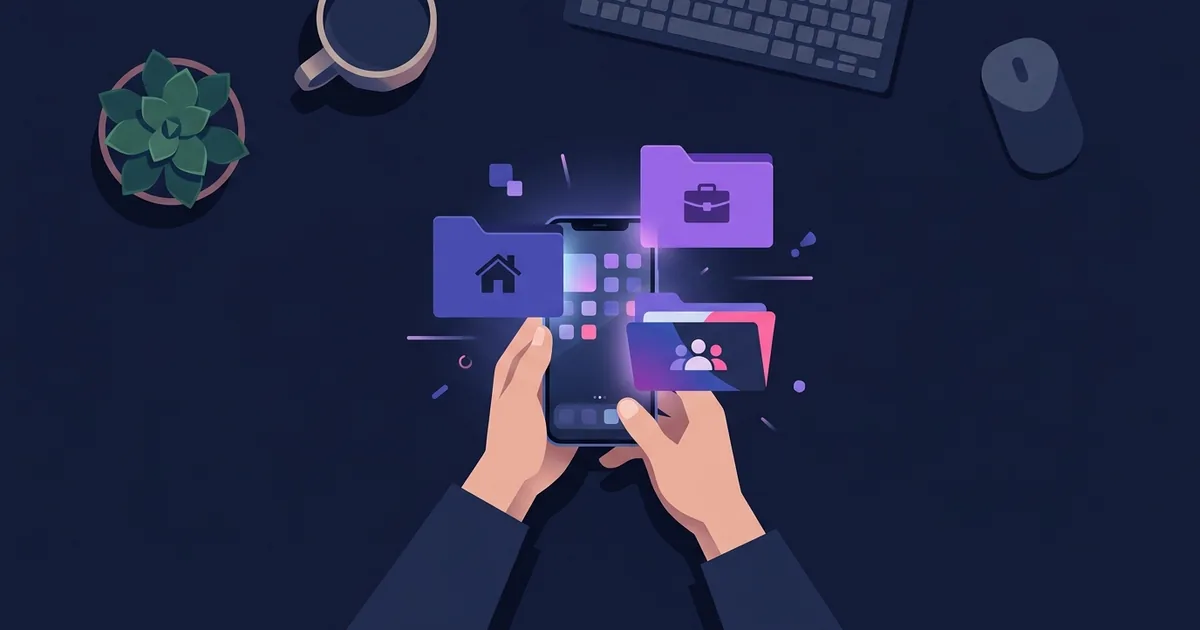
To make all this information easy to find, use a folder system. Create folders with clear names like Banks, Work, Household, and Streaming. When you organize entries into folders, you can quickly locate your Wi-Fi password when a guest arrives or your passport number when booking a vacation.
Sharing sensitive information safely is also crucial. Instead of sending a streaming password or the alarm PIN to your partner via a regular text message, share the specific entry directly from your vault. This ensures the other person has the exact, up-to-date information without exposing it in an unsecure chat.
With Mentu Tasks & Notes for iPhone and iPad, you can store passwords and other private data in a vault where entries are encrypted on the device, organize them into folders like Banks or Work, and safely share an entry with a follower.
By moving these everyday details into a secure digital space, you reduce physical clutter and ensure you always have what you need right on your phone. Start building the habit of using your password vault for more than just website logins, and you will find managing your daily life becomes significantly smoother.