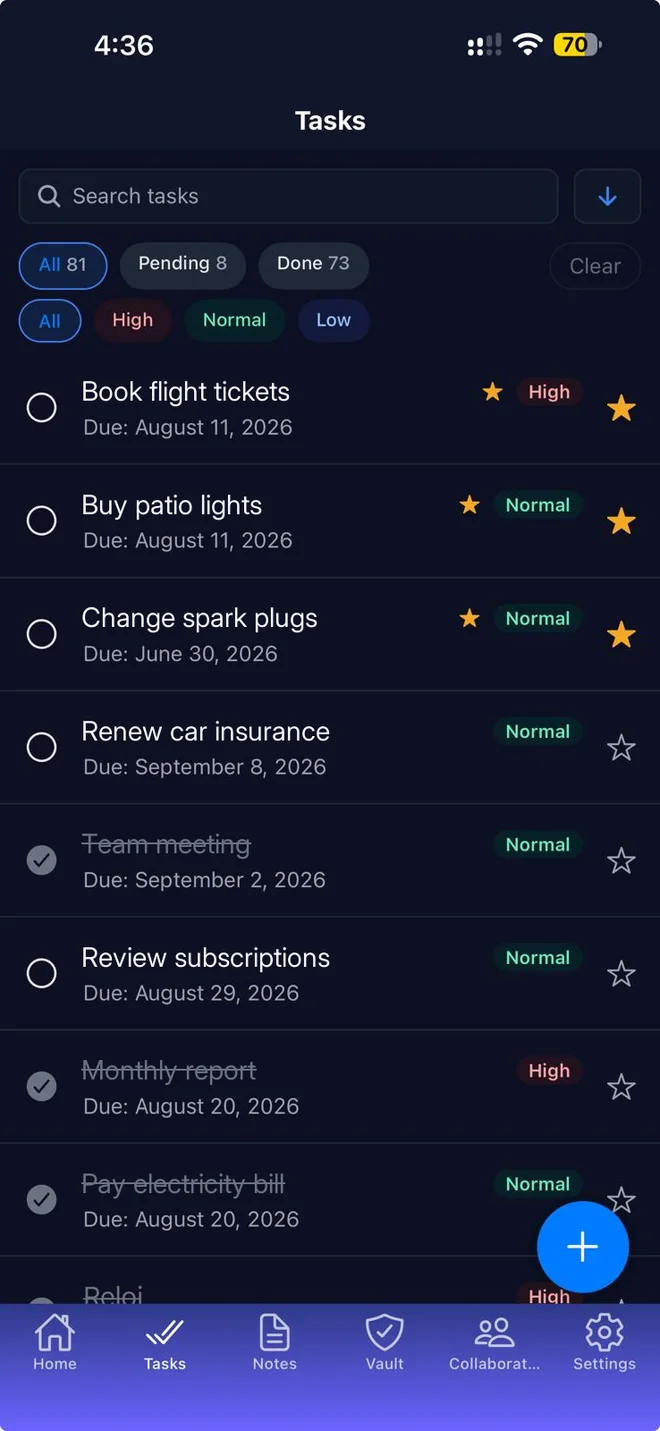
Stop keeping passwords in plain notes or on paper. The Mentu vault stores your logins, bank details and private notes encrypted, and lets you find them quickly when you need them.
Download on the App StoreFree to download. Premium includes a 7-day free trial.
An entry for each password
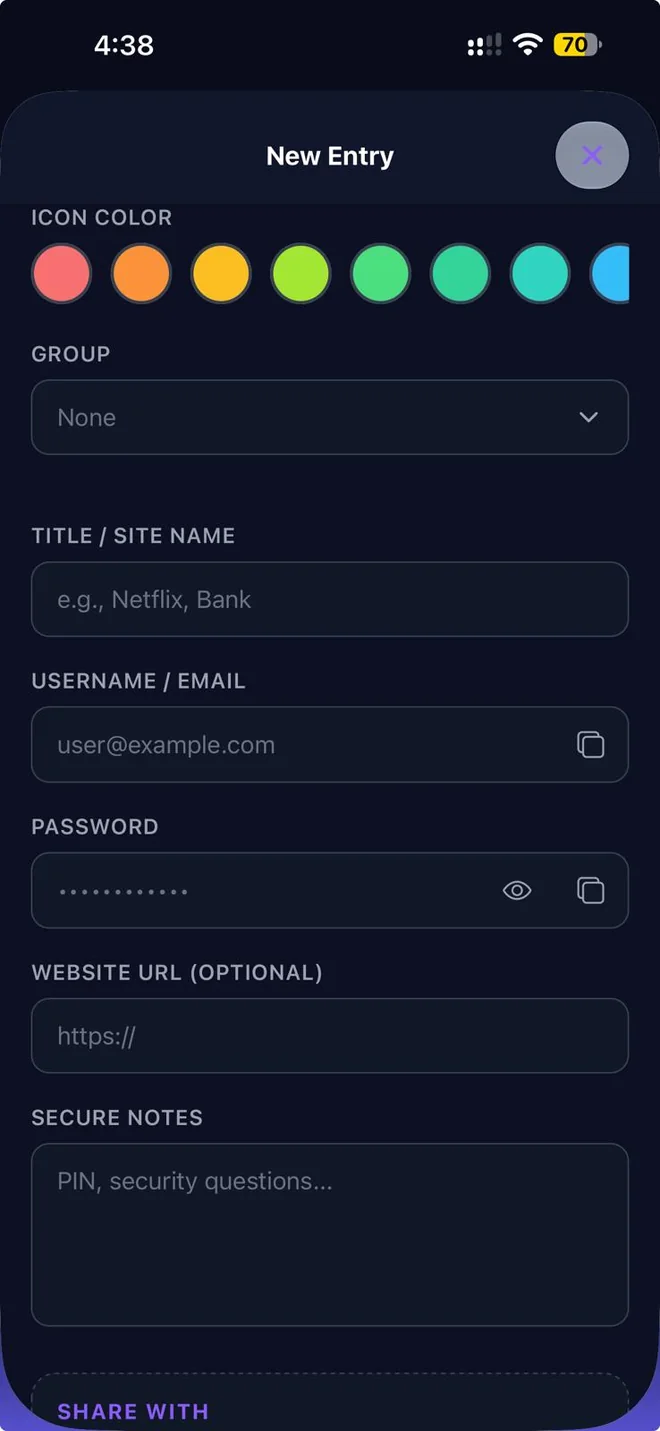
Save the site or app name, your username, the password and the website address. Add as many entries as you need.
Folders
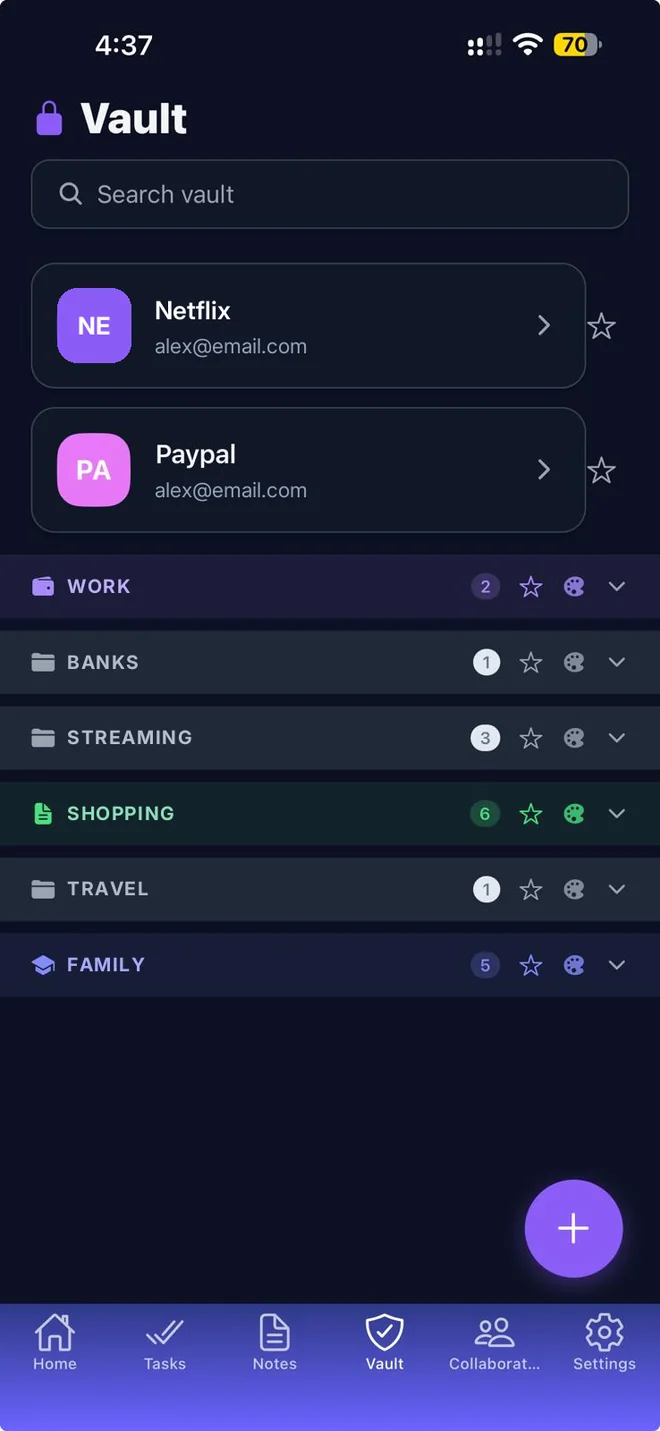
Keep your entries in folders such as Banks, Work or Streaming. Give each folder a color and pin the ones you use most.
Private notes
Keep PINs, security questions, bank details and other information you do not want in plain sight.
Copy with one tap
Copy a username or password to paste it where you need it.
Encrypted
Entries are encrypted on your device with AES before they are saved or synced.
Share an entry
Share a login with a person you follow, for example a family member. They receive a notification.
Search
Find any entry by name.
Good to know
- The vault does not fill in passwords automatically in Safari or other apps: you copy and paste them.
- Keep your iPhone protected with a passcode or Face ID: it is the first barrier for everything stored on it.