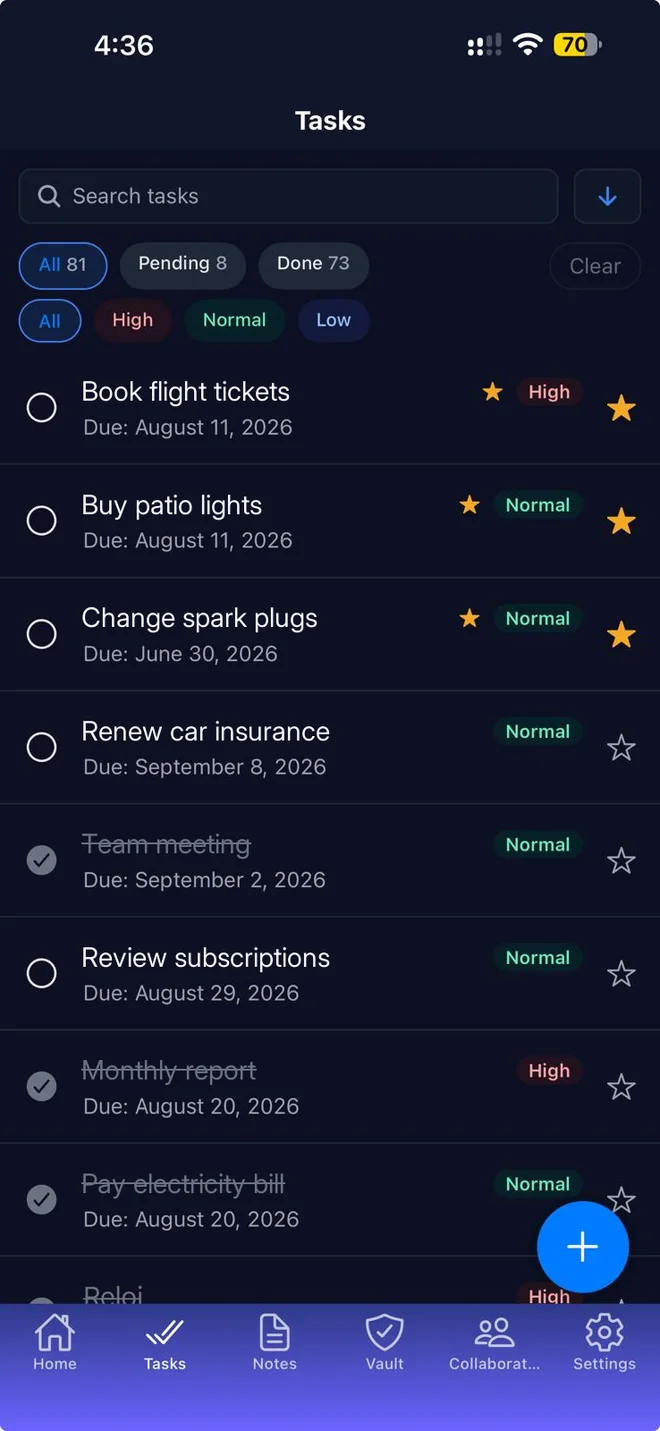
Mentu has a social side built around getting things done. You connect with collaborators, pass tasks back and forth, show the tasks you choose to make public, and receive reactions that count toward your rating.
Download on the App StoreFree to download. Premium includes a 7-day free trial.
Assign tasks
Send a task to a collaborator by email. They receive a notification and can accept or reject it.
Receive tasks
Your collaborators can assign tasks to you. Mentu tells you when a new one arrives so you can review it.
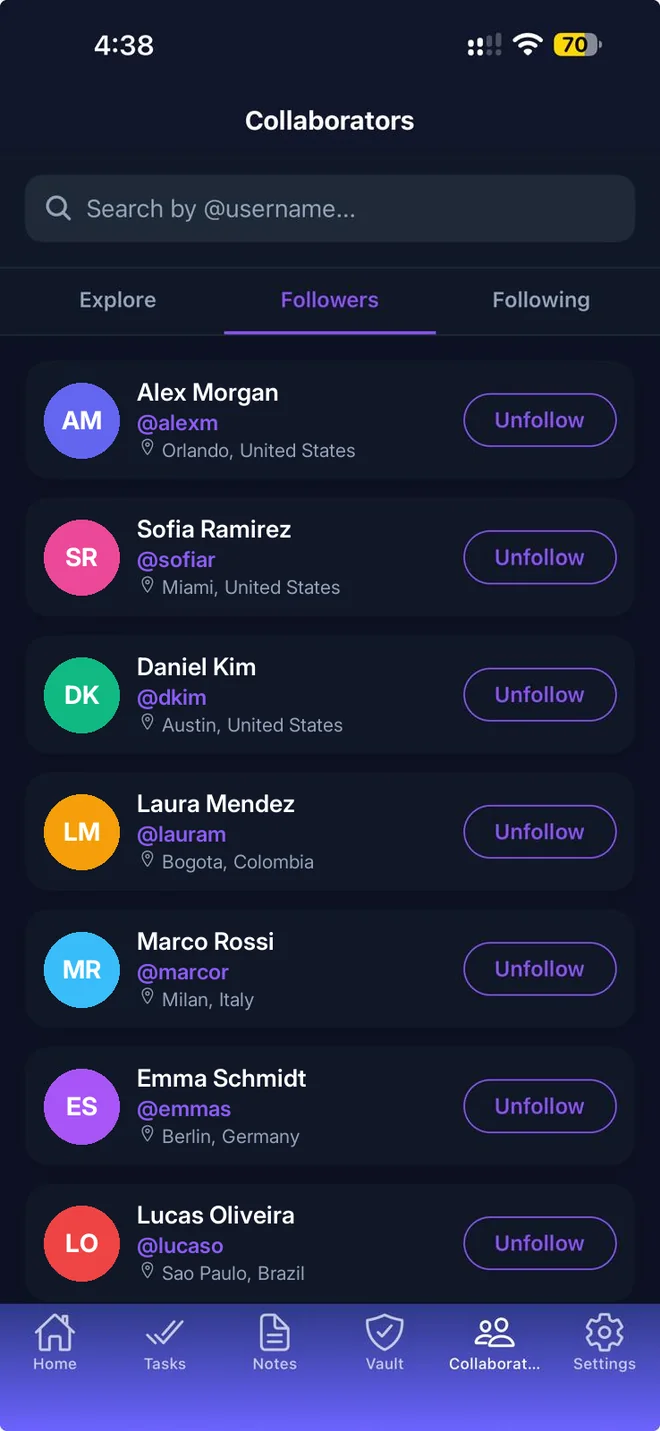
Followers and following
Search for people by username and follow them. They approve your request before you can see their activity.
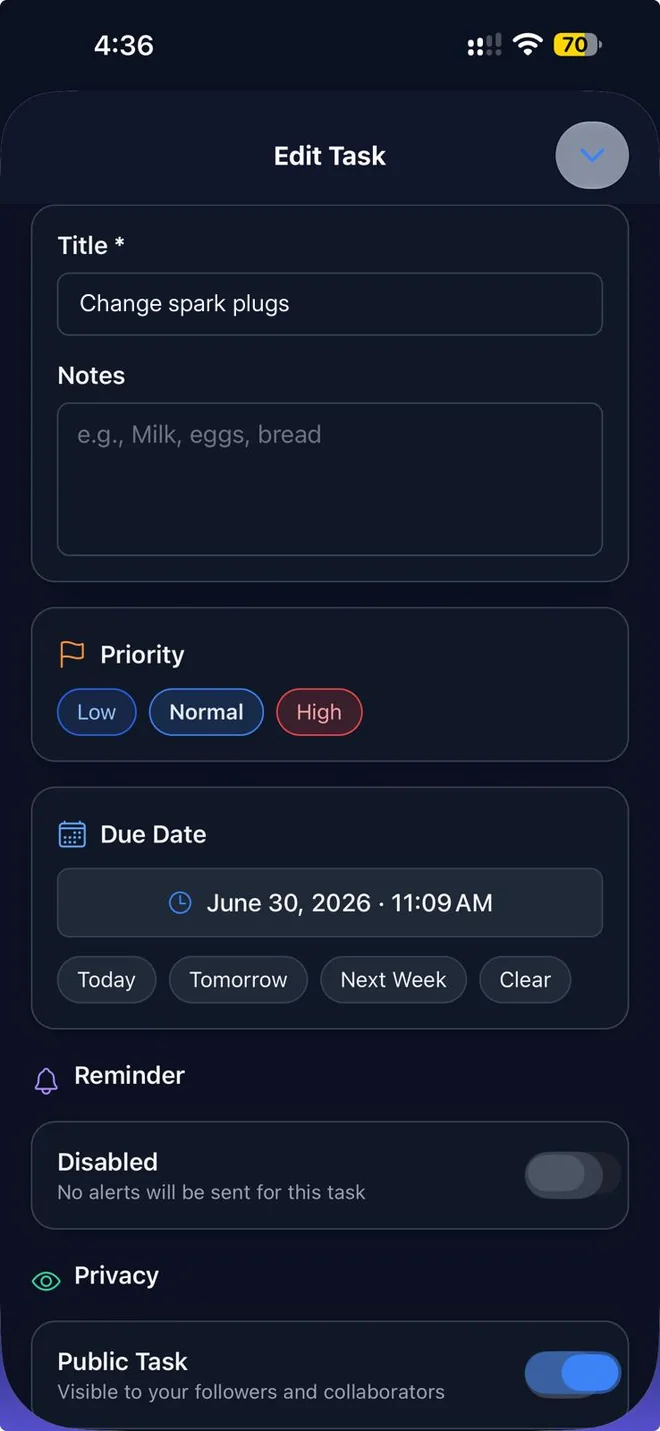
Public tasks
Choose which of your tasks are public. Your followers and collaborators can see them on your profile.
Hearts and approvals
People can give your public tasks a heart, or approve or disapprove them with a thumbs up or down.
Your rating
A score from 1 to 10 shown on your home screen. It rises as you complete your public tasks, receive hearts and approvals, and share tasks with collaborators.
Your profile
Choose a username, photo, city and country. Your profile shows your followers, completed tasks and reactions received.
Share notes and logins
Share a note or a vault entry with a person you follow.
Good to know
- You decide what is public: tasks are private unless you choose to show them.
- Both people need a Mentu account to share or assign.
- If someone does not have Mentu yet, you can send them an invitation by email.